↗
Direct Restream
Forward compatible sources directly with stream copying where possible for low CPU use and original-quality delivery.
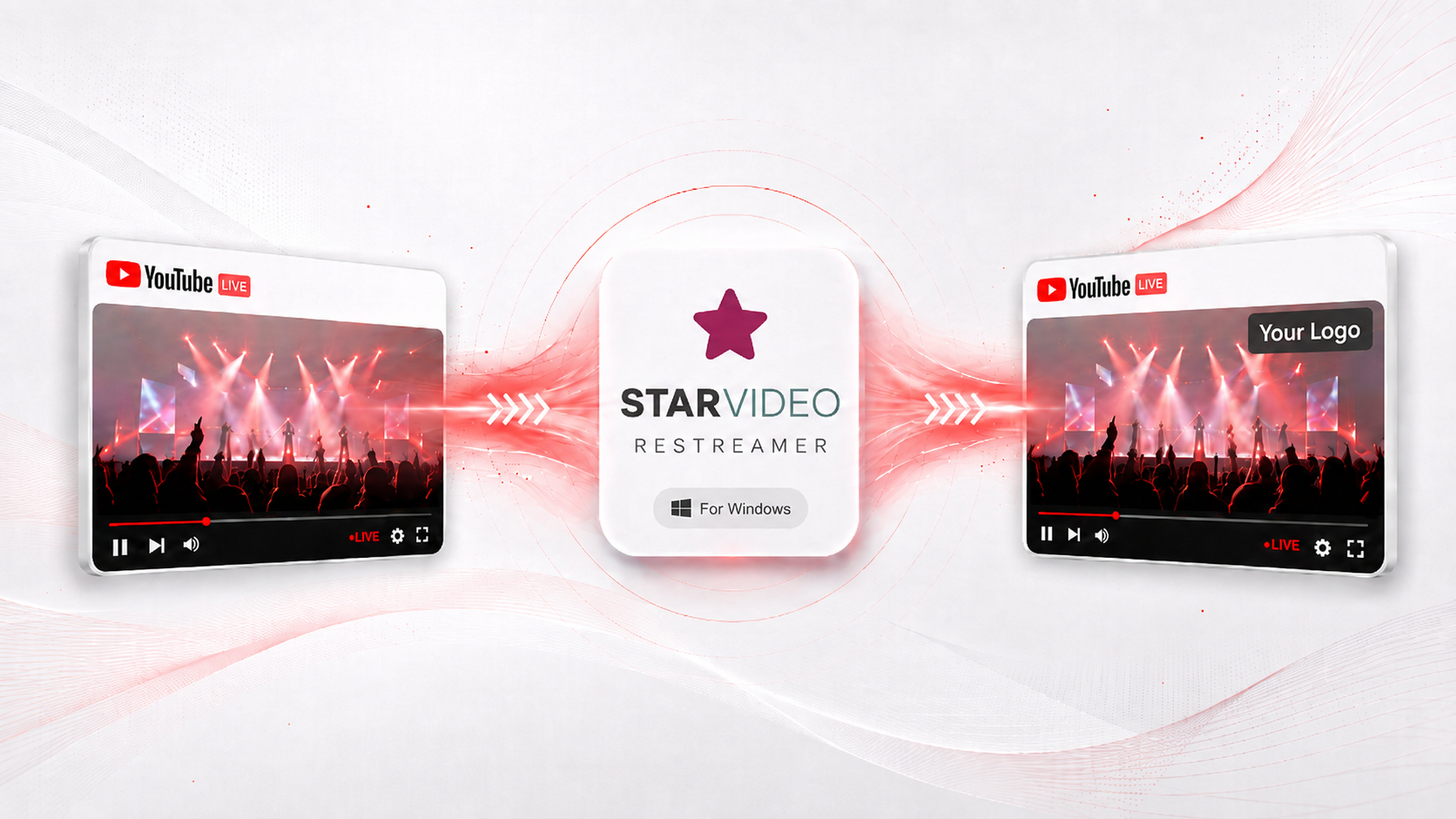
Configure each workflow once. Start, stop and monitor channels independently while StayLive handles source changes, recording, forwarding and recovery.
Forward compatible sources directly with stream copying where possible for low CPU use and original-quality delivery.
Add a logo, image or text overlay before encoding and forwarding to the configured destination.
Wait for a scheduled YouTube broadcast, record the complete event, detect its end and automatically push the finished recording.
When an incoming live broadcast ends, loop the completed recording automatically so the output channel stays on.
Recover from temporary interruptions and continue operating until the workflow is manually stopped.
Run independent streaming jobs at the same time. Practical stream count depends on the Windows system, source formats and whether encoding or overlays are required.
Validate source and destination URLs and automatically select the best available compatible source resolution.
See workflow state, runtime and errors, then start, stop or restart individual workflows without disturbing others.
Bundled FFmpeg and yt-dlp remove separate command-line setup and keep operation inside a straightforward native Windows interface.
StayLive is designed for Windows operators who need a practical way to receive YouTube or other compatible network streams, send them to RTMP/RTMPS destinations, and reduce repetitive manual intervention.
Configure the workflow once, start it, and let the application receive the live source, forward it to the destination, record the event, and keep the output channel active even after the source ends.
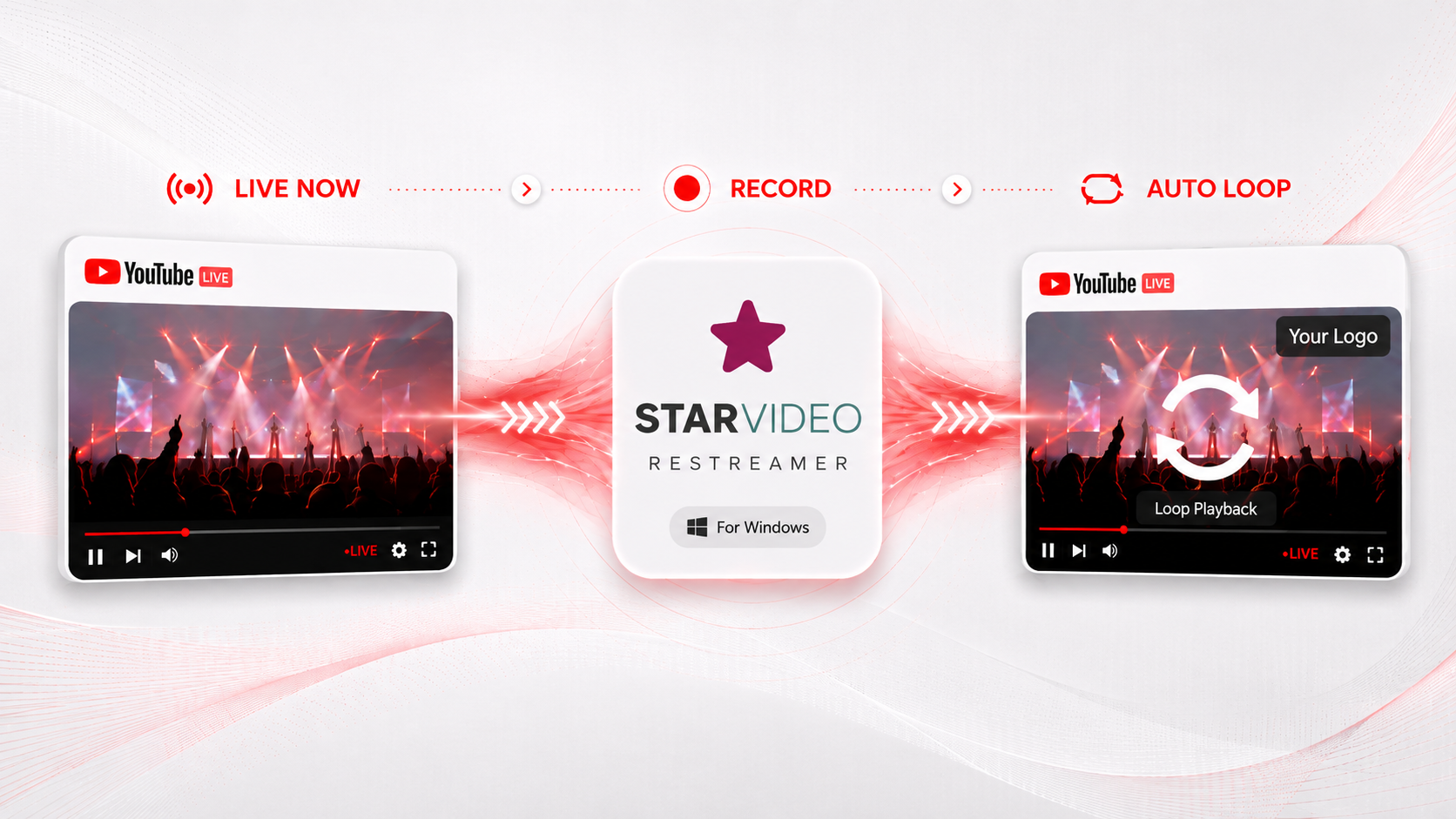
StayLive can receive the incoming live broadcast, deliver it to the configured destination, and record the event at the same time. When the live source ends, the completed recording can automatically take over and loop continuously.
This helps keep the output channel on-air without forcing an operator to manually restart playback or prepare a replacement source immediately.
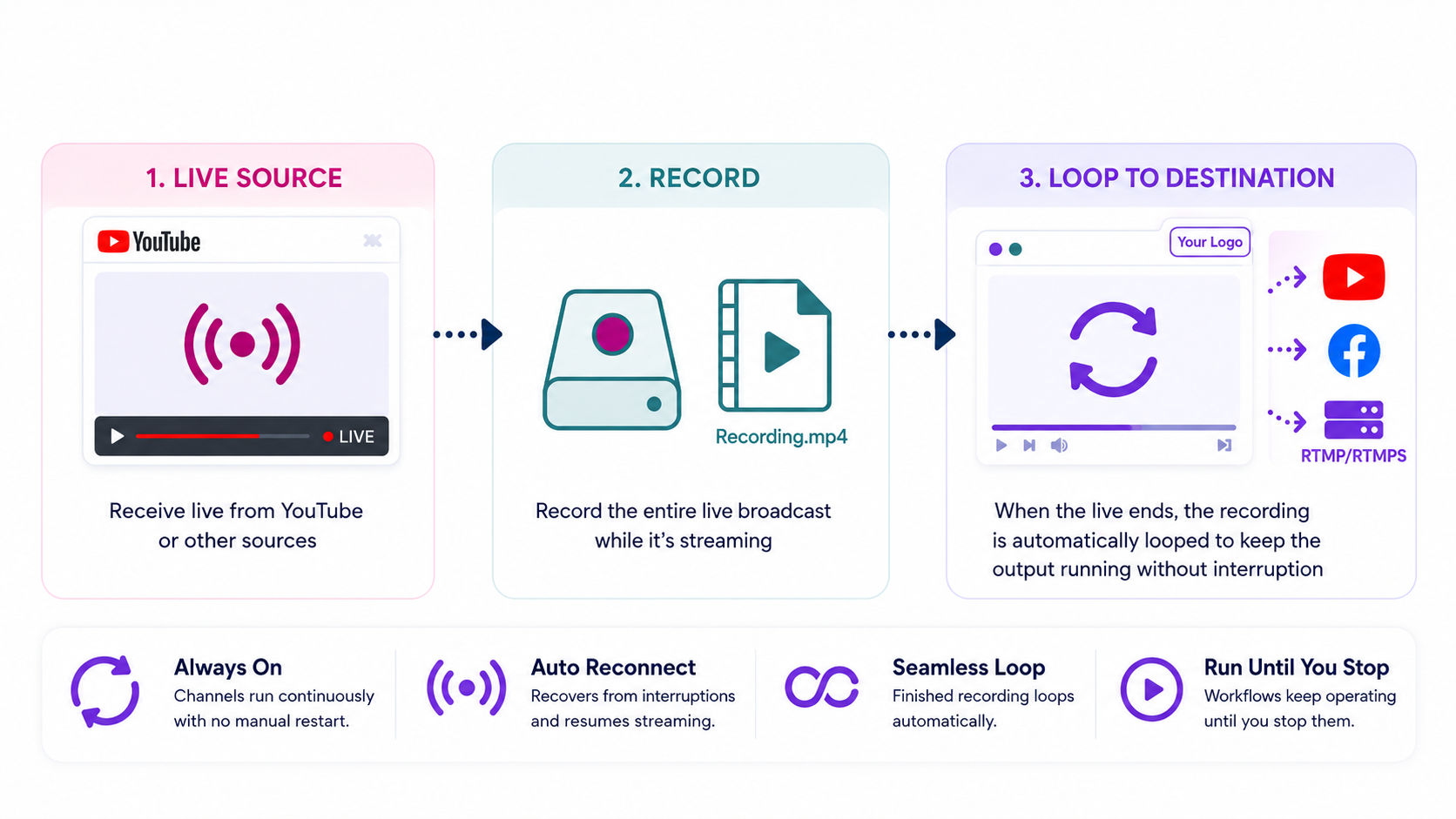
StayLive keeps configured workflows running continuously. It can reconnect after temporary interruptions, continue forwarding when the source is available, and keep the completed recording looping whenever the live source is no longer present.
Multiple workflows may run simultaneously. There is no fixed marketing channel limit; the practical number depends on the CPU, storage, RAM, network bandwidth and overall capability of the Windows system running the application.
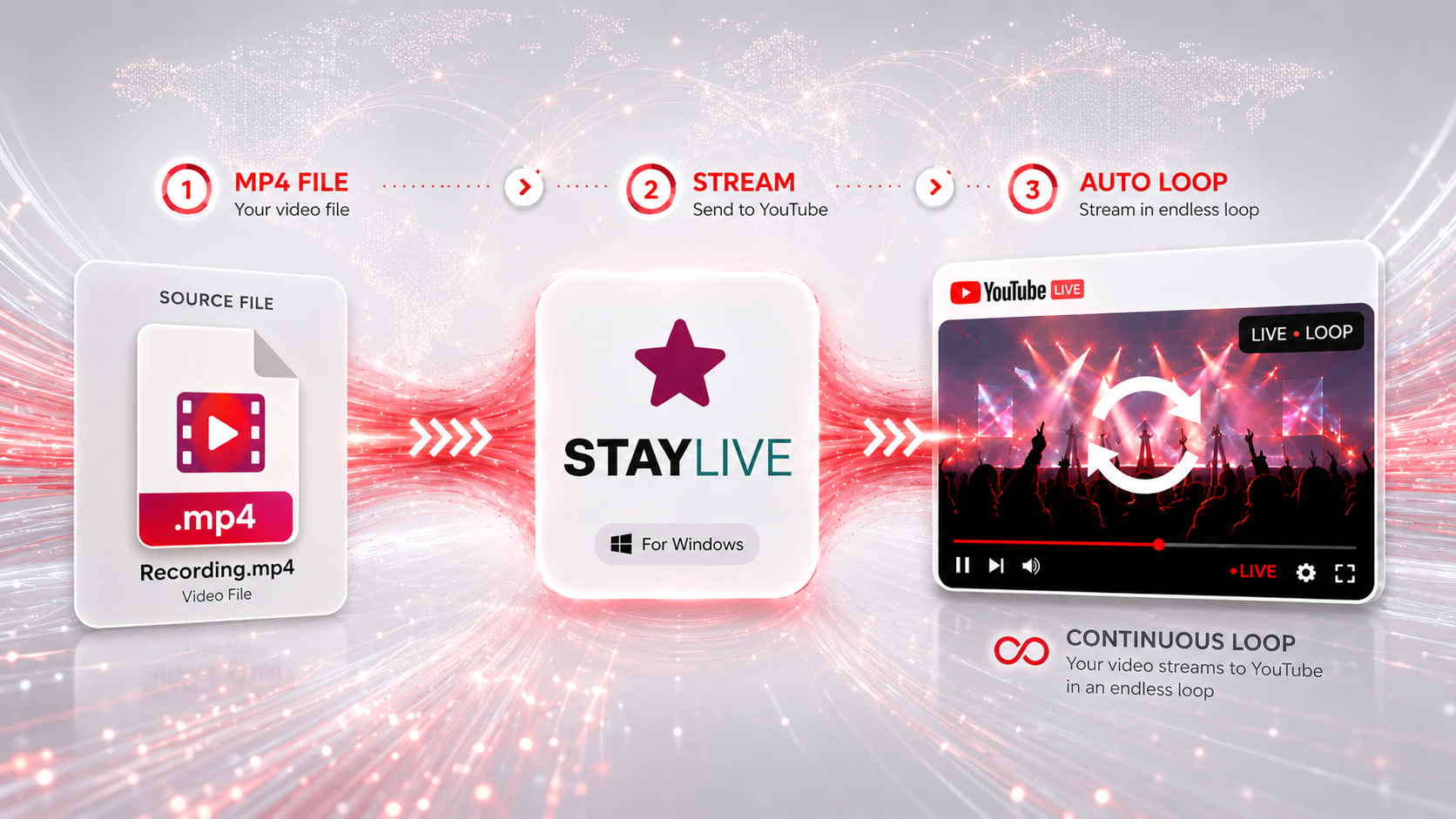
StayLive is not limited to ingesting live network sources. It can also take a prepared MP4 file and stream it to YouTube continuously in loop mode, which is useful for filler feeds, recurring bulletins, standby coverage, branding loops, and scheduled continuity content.
Choose the MP4 source, send it to the destination, and let the workflow keep the YouTube output running until the operator stops it manually.
Receive a compatible source and forward it to RTMP/RTMPS. Stream copy minimizes processing whenever the source and destination permit it.
Add branding such as a logo, image or text. StayLive decodes, composites and encodes the video before forwarding it.
Wait for the source, record the full event, detect completion and deliver the finished recording automatically.
Register first, test the workflow on your Windows system, then continue on the monthly plan.
Stream capacity is not fixed by the plan. It depends on the Windows PC capabilities, source formats and processing required by each workflow.
| Item | Price | Billing |
|---|---|---|
| Trial account | ₹0 | 24 hours |
| StayLive service | ₹2,000 | Monthly after trial |
The application does not impose a marketing number. Actual capacity depends on CPU/GPU capability, memory, network bandwidth, source codecs/resolutions and whether each workflow is stream-copying or encoding overlays.
Configure a real workflow, test your sources and destination, and see how many simultaneous channels your system can comfortably handle.
Talk to us about YouTube source handling, RTMP/RTMPS destinations, overlays, recording or continuous channel operation.